Validate an SEO change
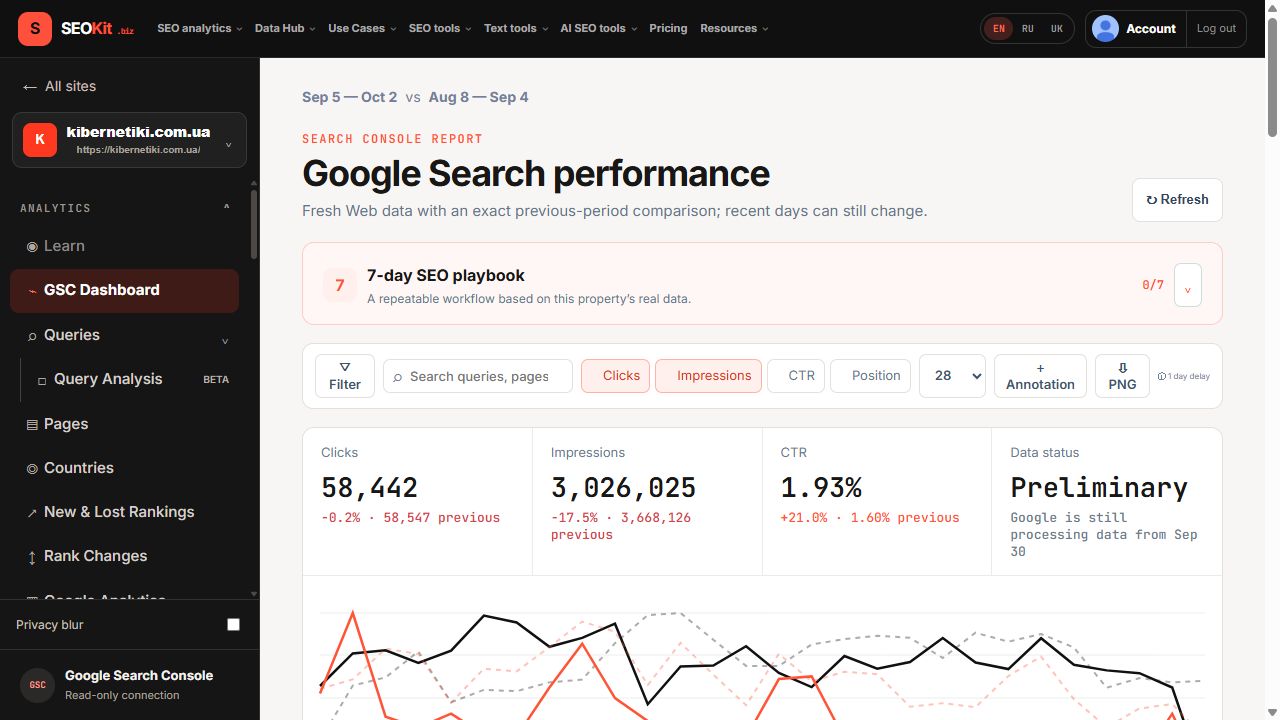
Add an annotation, define an equal comparison window and use experiments or change-point reports to test the result.
LEARN SEOKIT
A practical path from Search Console basics to repeatable SEO workflows in SEOKit. Learn the metric, open the matching report, and finish with a concrete action.
Start here if Google Search Console and its core SEO metrics are new to you.
How Google finds, stores and shows pages, what affects rankings, where to start and how to check the result in Search Console.
The free Google service explained: its main reports, how to add your site, what it does not show and why its numbers differ from Analytics.
How Google counts impressions and clicks, why more impressions is not the goal and how to read the four ways the two numbers move.
The CTR formula, what average position means in Search Console, why one average can mislead and how to judge CTR against your own site.
How to check whether a page is indexed, what Crawled, Discovered and other Search Console statuses mean and when not being indexed is fine.
Each workflow maps to reports that already exist in SEOKit.
A bounded seven-day plan: baseline, candidates, intent, one change and a queue of at most three tasks, with Google-sourced limits.
Four gates, a same-query click gap and the limits of the report: find queries near page one worth a test, without invented uplift.
Split an observed click loss into demand and performance, run four gates and choose refresh, consolidate, fix or leave.
What a title tag is, Google’s own rules for it and how to test one honest rewrite: four gates and a CTR gap, with no invented length rule.
Tell real ownership conflicts from normal sibling pages with four gates and choose differentiate, merge, redirect or canonical, with Google’s own warnings.
Build a baseline from your own site, size the click gap for one pair, learn what Google documents about snippets and run one bounded test.
Turn one coverage total into a queue: define the working set, drop expected exclusions, inspect representative URLs and fix one cause at a time.
Two discovery channels, the verification-fetch rules and robots.txt traps, with what Brave documents kept apart from what a code analysis found.
What a connection really is, what OpenAI documents for developer mode and the API, Google row limits and how to check the numbers.
Export, custom action, self-hosted server, hosted app and BigQuery compared by row limits, live data, who runs it and trust.
Add an annotation, define an equal comparison window and use experiments or change-point reports to test the result.
Move from one-off checks to monitoring, reporting and shared decisions.
Use saved filters, annotations, index tracking and alerts so important changes surface automatically.
Keep Search Console clicks separate from Analytics sessions while using both sources to explain landing-page outcomes.
Invite users, share saved reports and export the right grain without exposing unrelated properties.
Connect through MCP with explicit scopes and ask source-aware questions without copying credentials into prompts.
Connect Search Console and use the same reports described in every learning track.