SEO quick wins from Google Search Console: a 7-day checklist
This Search Console checklist turns about an hour of focused analysis into at most three evidence-backed tasks. You compare complete periods, check intent and effort, and write down what would prove each hypothesis wrong.
✓ Verified against Google documentation · 4 October 2026
What an SEO quick win is
A quick win is a small, reversible change to a page that already has visibility, made to test one hypothesis. It is not “every query in positions 4–20”: a position band or an impression minimum can seed a shortlist, but it is a starting view, not a rule.
Google’s own guidance points the same way. In general you should not focus too much on absolute position: impressions and clicks are ultimately the measure of success. Small fluctuations in position can happen at any time and can recover without you doing anything, and Google recommends avoiding radical changes if a page is already performing well (debugging Search traffic drops). A candidate becomes actionable only when three conditions hold:
- Evidence: a comparison of complete periods shows a meaningful pattern in this property.
- Fit: the query intent belongs to the page and supports a real site goal.
- Effort: one reversible change can test the hypothesis without a broad rewrite.
What you need
A verified Search Console property with enough history to compare two equal complete periods, a place to write down decisions, and about an hour spread over a week. Keep the same search type and filters throughout, and leave out preliminary days: the newest data can still change in the next few hours (how Performance data is counted).
The seven-day plan
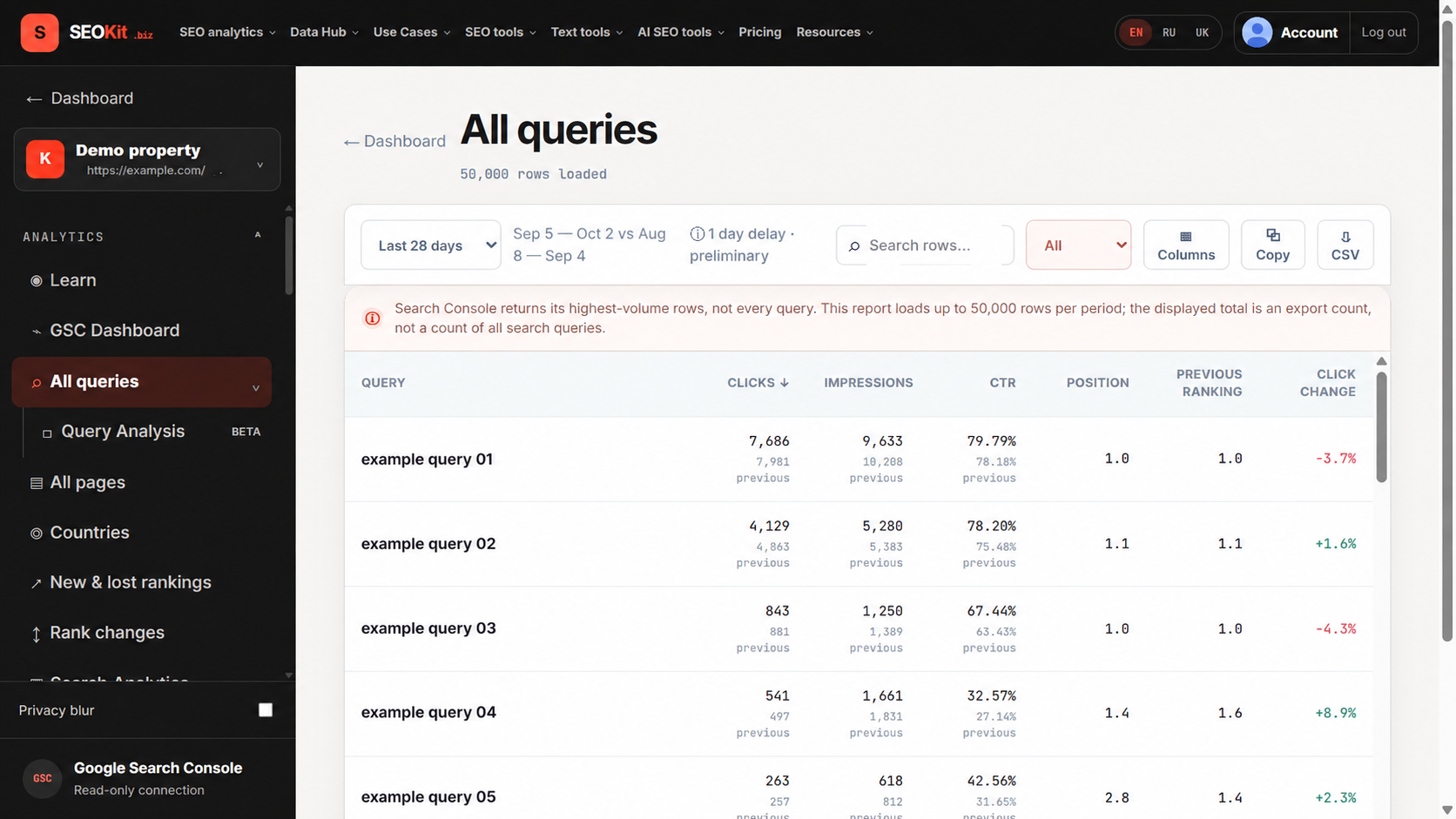
- Day 1. Save the baseline. Compare the last complete 28 days with the previous 28 (advanced filtering and comparison). Record clicks, impressions, CTR and average position. Open the dashboard.
- Day 2. Build a short candidate list. Open Pages and Queries and sort by a relevant change. Keep only rows with enough impressions to be interpretable for this property. Open opportunities.
- Day 3. Validate intent and ownership. Open the live result and the page. Decide whether this URL should satisfy the query and whether the demand supports a site goal. Reject mismatches.
- Day 4. Name one page-level cause. Check the title, main heading, content promise, internal links, indexability and canonical. Google’s title guidance asks for unique, descriptive titles without keyword stuffing or boilerplate (title links). Record one suspected cause. Open on-page SEO.
- Day 5. Control the CTR comparison. Compare similar queries, devices and positions; a lower aggregate CTR can reflect a different query mix. Open the CTR benchmark.
- Day 6. Check URL overlap. Filter one query and inspect Pages. Several URLs are not automatically cannibalization: confirm shared intent first, then choose an owner. Redirects and
rel="canonical"are strong canonicalization signals, a sitemap is a weak one (consolidate duplicate URLs). Open cannibalization. - Day 7. Publish the action queue. Choose up to three tasks and add an annotation on launch (annotations).
How to pick a candidate: an example
Neutral 28-day sample rows, in Search Console units. CTR is clicks ÷ impressions × 100. The fit and effort ratings are editorial judgments, not Google metrics.
| Candidate | Clicks | Impressions | CTR | Position | Fit | Effort |
|---|---|---|---|---|---|---|
| A · guide page | 36 | 2,400 | 1.5% | 8.2 | high | 30 min |
| B · product page | 14 | 700 | 2.0% | 4.9 | low | 2 h |
| C · glossary page | 20 | 5,100 | 0.4% | 13.6 | medium | 15 min |
Candidate A CTR = 36 ÷ 2,400 × 100 = 1.5%
Start with A: demand is present, the intent fits and the test is small. C has more impressions, but its broad intent makes the expected business value less certain. B ranks higher, yet the wrong landing-page fit makes a title rewrite the wrong first action.
When to stop
- Do not promise uplift. Google says some changes show within hours and others take several months, that you should usually wait a few weeks, and that not every change has a noticeable effect (SEO starter guide).
- Do not call clicks sessions. Search Console measures clicks in Search; on-site sessions belong to Analytics.
- Do not diagnose from one average. Anonymized queries and canonical URL attribution change what a row represents (dimensions and data groupings).
- Check demand before blaming the page. A fall in clicks and impressions may be seasonality or changing interest; check the query in Google Trends.
- Do not deploy three causes together. A compact, reversible change keeps the review useful even when the result is neutral.
The task card
For each of the (at most three) tasks save one card, so the review in a few weeks compares like with like:
- Page group and query.
- Evidence: baseline numbers and the periods.
- One change, exactly as shipped.
- Owner and review date.
- The signal you expect.
- The observation that would reject the hypothesis.
On the review date compare the same equal periods with the same filters. If impressions are too few, record “insufficient evidence” rather than a verdict. The SEOKit Changes & Drivers view keeps these cards next to the data.
Quick wins, answered
What are SEO quick wins?
Small, reversible changes to pages that already have visibility, each testing one hypothesis.
Which positions count as quick wins?
None universally. Positions 4–20 are a way to start a shortlist; evidence, fit and effort decide.
How long until I see results?
From hours to several months depending on the change; usually wait a few weeks.
Will quick wins increase my traffic?
Nothing is guaranteed. Google says not every change produces a noticeable impact.
How many tasks should I take?
No more than three, each with an owner, a review date and a falsifier.
What to read next
Go deeper on each step with the playbooks on striking-distance queries, content decay, title tags, cannibalization and CTR recovery.